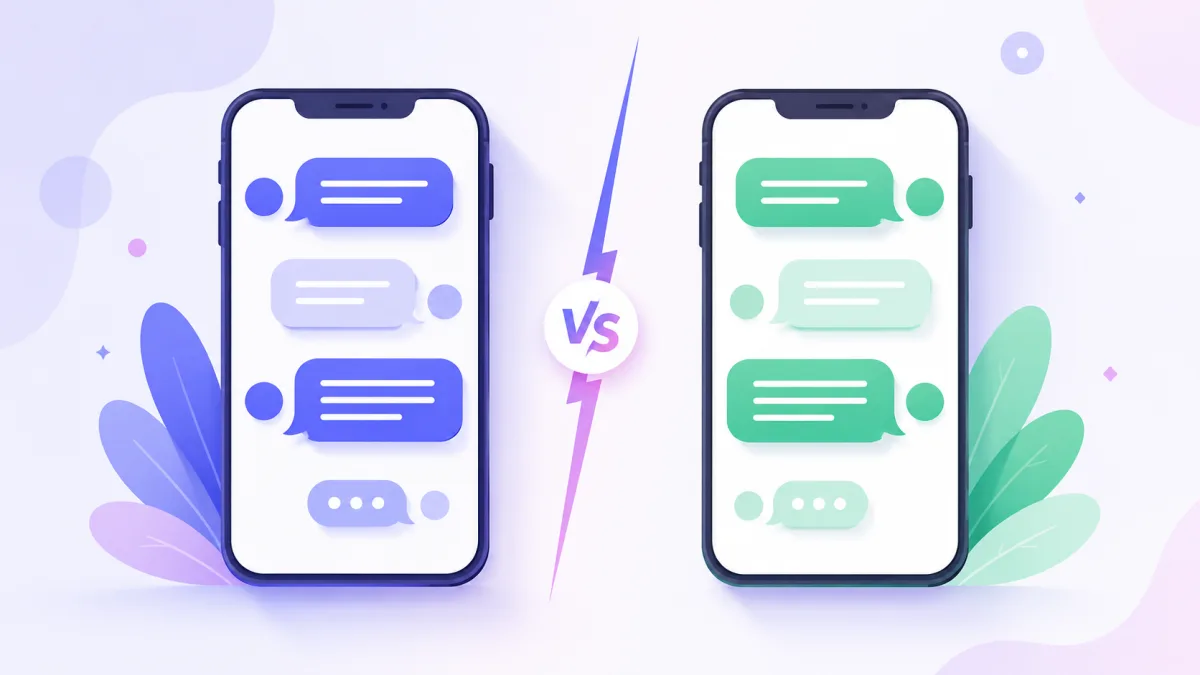

If you have ever sent a message on an iPhone, you have seen it: some bubbles are blue, others are green. It is one of the most talked-about details in texting, and it matters when you are making a fake chat that needs to look right. Here is what the colours actually mean and how to recreate either one.
What blue bubbles mean
Blue bubbles mean the message went through iMessage, Apple's own messaging service, over the internet. Both people are using iMessage, usually on iPhones. Because it runs over data, iMessage unlocks the full feature set: read receipts, typing indicators, high quality photos, reactions and more.
What green bubbles mean
Green bubbles mean the message was sent as a regular SMS or MMS text, not through iMessage. This usually happens when the other person is on Android, or when iMessage is unavailable. SMS is more basic: no read receipts, lower quality images, and fewer features.
Why people care so much
The colour became a social signal. Blue is associated with the iPhone-to-iPhone experience, while green marks a message from outside that circle. It is a small thing that carries a surprising amount of meaning, which is exactly why getting it right makes a fake chat feel authentic.
How to recreate each look
For a believable chat, the colour has to match the story:
- For an iMessage-style conversation between two iPhone users, keep the sender bubbles blue and the receiver bubbles grey.
- To show a text to or from an Android user, use a green bubble for the SMS side.
- Want a different platform entirely? A green-forward theme reads as WhatsApp-style, which is a look of its own. See fake iMessage vs fake WhatsApp.
In the editor you can pick a ready-made theme or set custom bubble colours, so you can match any of these exactly.
Small detail, big payoff
Bubble colour is one of those details that most people notice without thinking about it. Get it right and your chat looks effortless. Get it wrong and something feels off, even if the viewer cannot say why. For the rest of the realism checklist, read how to make a fake text conversation that looks real.
Want to see the difference? Open the editor, switch the bubble colours, and watch the whole tone change.