
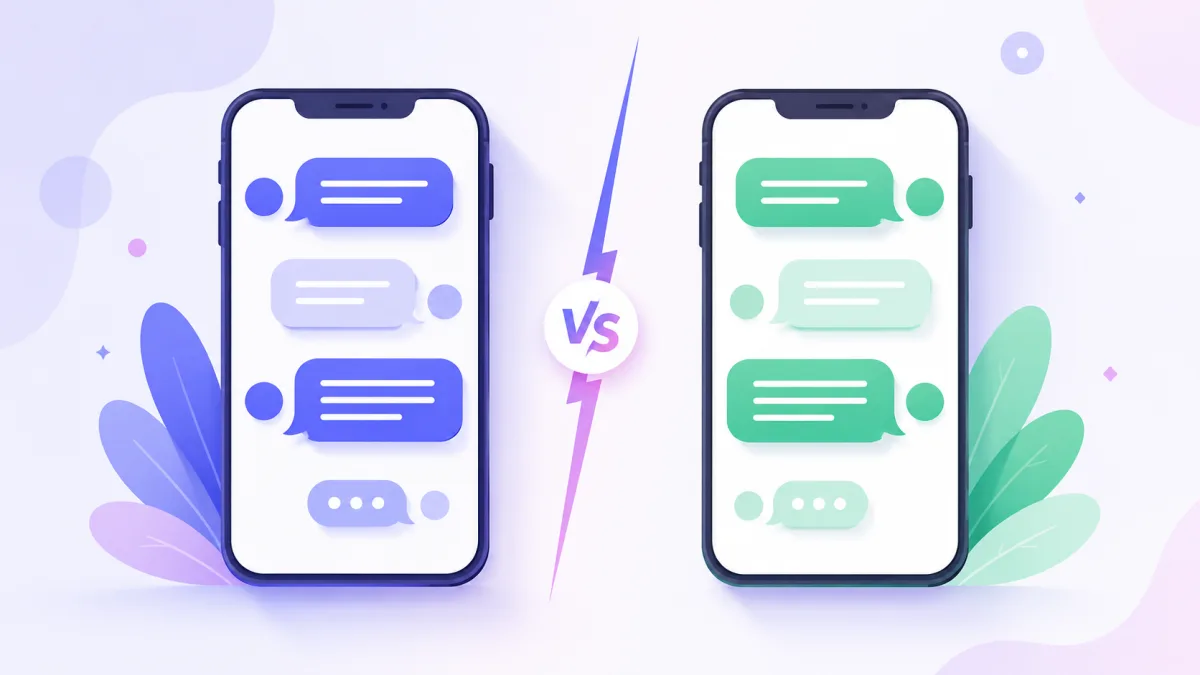
When you make a fake chat, one of the first choices is the look: the blue iMessage style or the green WhatsApp style. They are the two most recognisable messaging looks in the world, and each one sends a different signal. Here is how they compare so you can pick the right theme for your conversation.
The iMessage style: personal and familiar
The iMessage look is instantly readable to most people: blue bubbles for the sender, grey for the other person, a clean white background, rounded corners and the classic typing dots. It reads as intimate and modern, the everyday chat between two people who both have iPhones.
Use the iMessage style when:
- your story is a personal one to one conversation;
- your audience is mostly in regions where iPhones are common;
- you want the cleanest, most neutral look.
The WhatsApp style: casual and global
The WhatsApp look uses green sender bubbles, white receiver bubbles, a subtle patterned background and double check marks for read receipts. It feels casual and international, and it is the default mental image of texting for a huge part of the world.
Use the WhatsApp style when:
- your audience is global, especially outside North America;
- the story involves group chats or everyday casual talk;
- you want a warmer, less "Apple" feel.
What actually changes
The differences are more than colour. Read receipts, status labels, the input bar and the way messages group together all differ between the two. Getting these details right is what makes a chat believable. The colours themselves carry meaning too, which is worth understanding before you choose: see blue vs green bubbles.
You do not have to pick just one
Both looks work for a texting story video, and you can also set fully custom colours if you want something that is neither. The theme is a creative choice, not a rule. Try the same conversation in both and see which one lands.
Quick guide
- Want personal, clean, one to one? Go iMessage style.
- Want casual, global, group-friendly? Go WhatsApp style.
- Want your own brand colours? Use a custom theme.
Whatever you choose, the details are what sell it. For the rest of the craft, read how to make a fake text conversation that looks real.
Ready to try both? Open the editor and switch themes in a click.