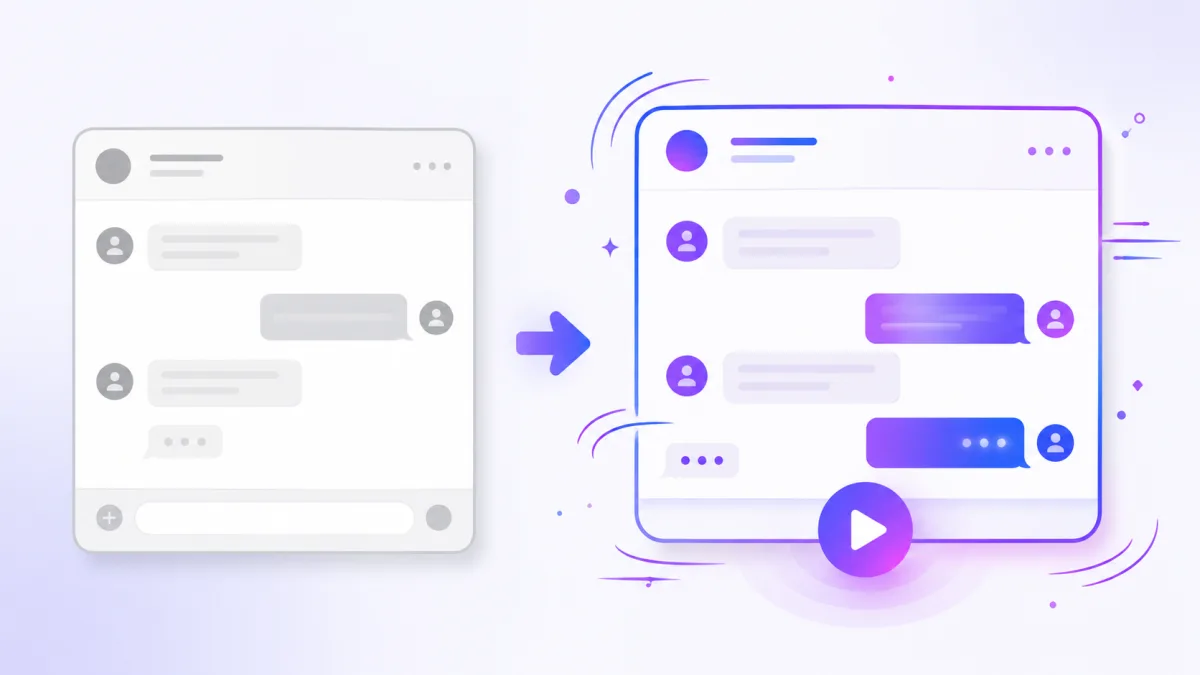
Most fake chat tools stop at a screenshot: a still image of a conversation. FakeMessenger goes one step further and turns the chat into an animated video. That difference matters more than it sounds, especially if you are posting on social media. Here is why animation wins.
A screenshot is read in a second
A still image of a chat is taken in at a glance. The viewer's eye jumps to the last line, they get the gist, and they scroll on. There is no pacing, no suspense and no reason to linger. For a quick joke that works fine, but it leaves a lot of attention on the table.
A video makes people wait for the payoff
An animated chat plays out message by message. The typing dots appear, a reply lands, a sound plays, and the viewer has to wait to see what comes next. That waiting is the whole trick. It builds tension, it rewards patience, and it keeps eyes on the screen right up to the final message.
On short-form platforms, watch time and completion are everything. A video that unfolds naturally holds attention far better than an image that is understood instantly.
Sound and motion do the heavy lifting
Video brings two things a screenshot never can:
- Motion. Each message appearing in sequence creates rhythm and momentum.
- Sound. The send and receive tones and the typing animation add a layer of realism and satisfaction that a flat image cannot.
Together they make the conversation feel alive instead of staged. It is also simply harder to dismiss a chat you watched happen than one you saw frozen.
When a screenshot is still fine
Screenshots are not useless. They are great for a quick post, a design mockup or a static reference. If all you need is a single frozen frame, a screenshot does the job. But if your goal is reach and engagement, a video is the stronger format almost every time.
The best of both
You do not have to choose blind. Build the conversation once, then export it as an animated video for social, and grab a frame as a screenshot if you need one. To get the video right, see how to make a texting story video, and to pick the perfect run time, read the ideal length for a texting story video.
Want to feel the difference? Open the editor, write a short exchange, and export it as a video.