
Texting story videos are everywhere on TikTok, Reels and YouTube Shorts. A conversation plays out message by message, the tension builds, and viewers stay to see how it ends. The best part: you don't need any editing skills to make one. Here is how to turn a chat into a finished video in a few minutes, right in your browser.
What is a texting story video?
A texting story video is a short clip that shows a conversation happening in real time, like watching two people text. Messages pop in one by one, you see the typing dots, and a sound plays on each send. It is a simple, addictive format, which is exactly why chat-style content is one of the most-watched niches on short-form platforms.
Step 1: Write the conversation
Open the editor and start with the two people talking. Give them names and, if you like, profile pictures. Then write the story message by message. A few tips that make a big difference:
- Keep messages short. Real texts are rarely long paragraphs.
- Alternate sender and recipient so there is a natural back-and-forth.
- Build toward a hook or a twist. The last line should pay off the story.
For more on making it believable, see how to make a fake text conversation that looks real.
Step 2: Pick a chat style
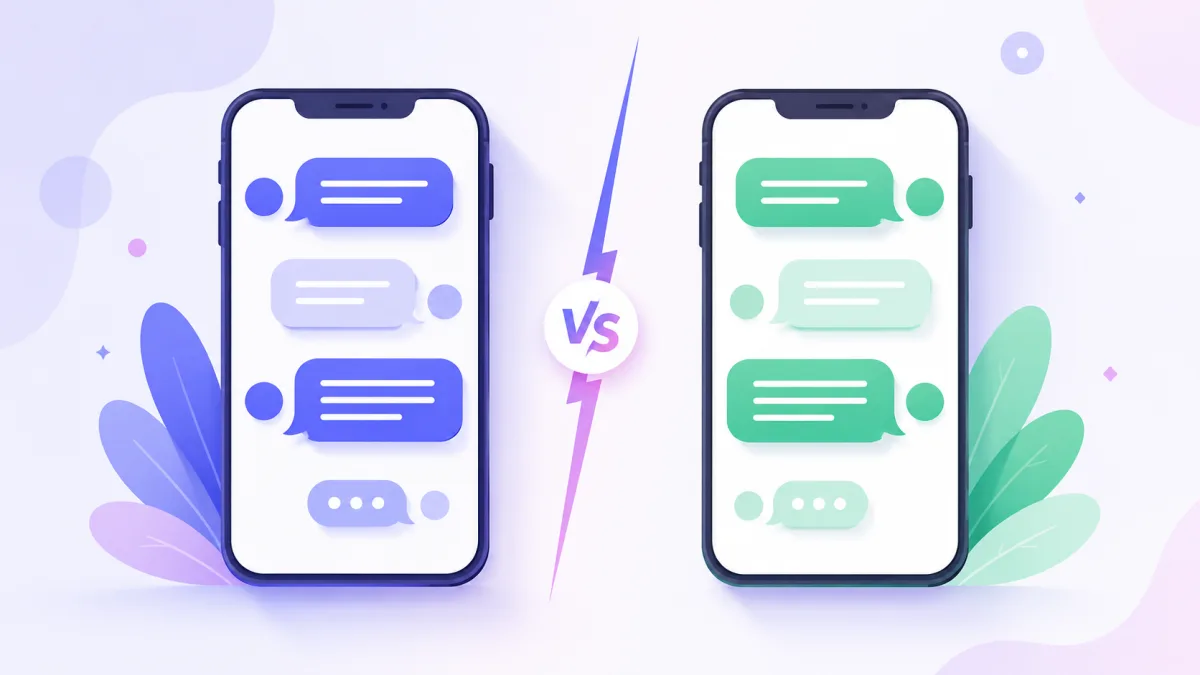
Blue iMessage-style bubbles or green WhatsApp-style ones? The look sets the tone. The iMessage style feels personal and familiar, while the WhatsApp style reads as casual and international. Choose a theme in the editor, or set your own colours. Not sure which to use? Compare iMessage vs WhatsApp for your video.
Step 3: Turn on animation, sounds and timing
This is what makes it a video and not a screenshot. Enable:
- the typing animation, so viewers see the dots before each reply;
- message sounds, for that satisfying send and receive feel;
- the pause between messages, which controls the pace. A slightly slower pace builds suspense, a faster one keeps the energy high.
The guide on adding photos, sounds and typing animation walks through each option.
Step 4: Choose the aspect ratio
For TikTok, Reels and YouTube Shorts, use the vertical ratio so the video fills the screen. Square works well for feed posts. Set this before you export.
Step 5: Export the video
When the conversation is ready, hit GET VIDEO. FakeMessenger renders an MP4 right in your browser, with no account and no installation. Download it and upload it straight to your platform of choice.
How long should it be?
Keep it between 30 and 60 seconds: long enough to build tension and land the ending, short enough to hold attention to the last frame. For hooks and pacing that boost completion, read the ideal length for a texting story video.
Nail the hook
The first two messages decide whether someone keeps watching. Open on tension or curiosity: a bold claim, a secret about to drop, an argument already in motion. If the opening line makes people need to know what happens next, you have already won.
You now have the story, the style and the settings. Open the editor, write your conversation, and export your first texting story video in a couple of minutes.