
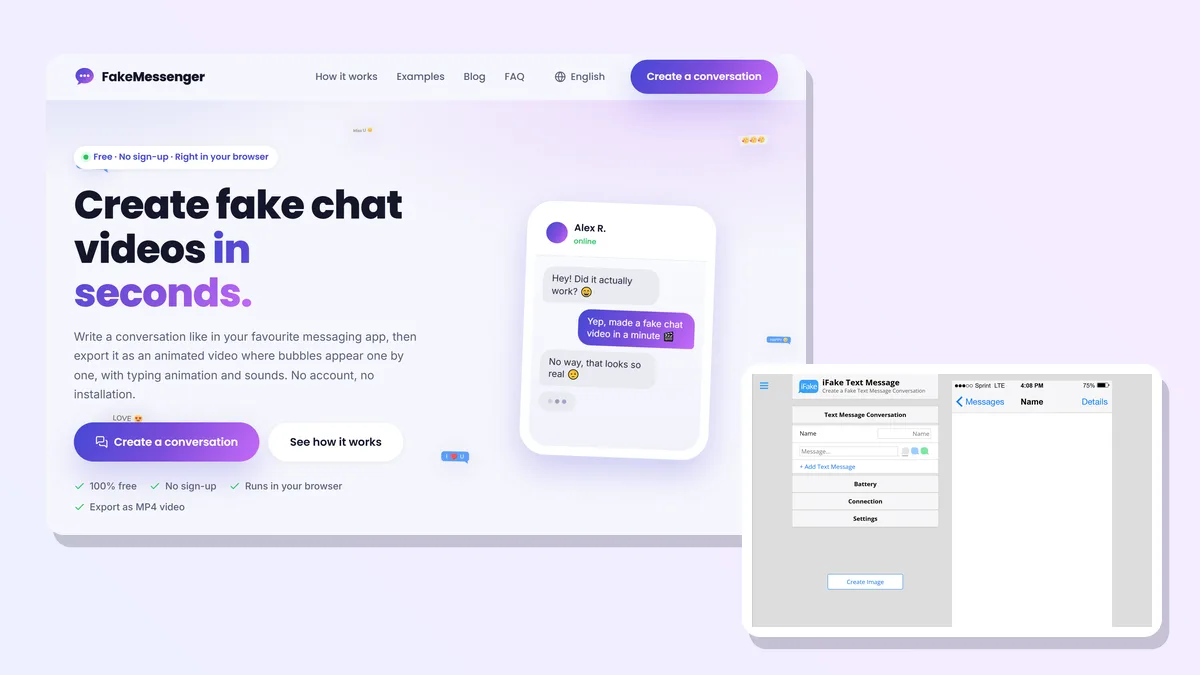
Fake chat generator, fake text message maker, chat story app: the tools below answer to all of those names, and the label hides the one difference that actually decides which one you need. Four of the six produce a still image. Two produce a video where the bubbles appear one by one. Those are not the same product, and no list we found puts that first.
We opened all six in September 2026, read what each publisher writes on its own pages rather than what other lists say, and captured every one of them. One of the six is ours, and it is said plainly in its section rather than left for you to work out from the domain.
Video or image, and decide this first
Everything else follows from this.
A still image is a screenshot of a conversation that never happened. It is what you want for a mockup, a meme, a joke inside a group chat, or an illustration in a slide. It takes seconds to make, and any of the browser tools below will do it.
A video is the conversation playing out: each bubble arrives, the typing dots appear, the sounds fire. It is what TikTok, Reels and YouTube Shorts reward, because it holds attention for thirty seconds instead of one. It is also the format that the "texting story" genre is built on, and it takes a different kind of tool.
If you are not sure which you need, our own comparison of a chat video versus a screenshot goes through the cases in detail. The short version: publishing to a feed means video, everything else is fine as an image.
TextingStory
Who it is for. People making chat story videos on a phone, with the app that created the genre.
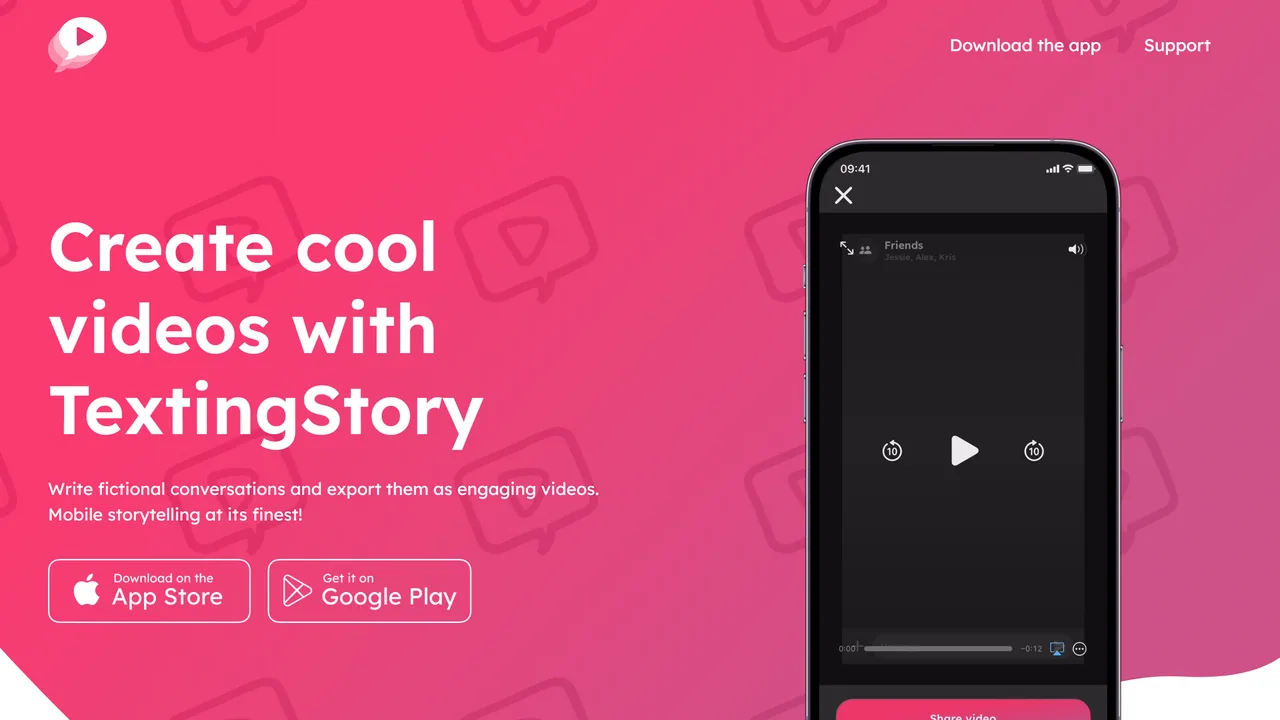
How it works. A mobile app. You type the conversation as if you were writing both sides of it, and it plays back as a video. Their own line: "Write fictional conversations and export them as engaging videos. Mobile storytelling at its finest!"
Strengths. Weight, first of all: the Google Play listing shows 10 million or more downloads and a 4.3 rating from 109,000 reviews, published by Yvz Digital Lab. Nothing else on this page is close. It is also genuinely mobile-native, which matters because the videos are watched on a phone and often shot, edited and posted from one. And it says the free version is not time-limited: "Enjoy unlimited video creations with the free version, or upgrade for advanced feature."
Limits. It is an app, so it needs an install and it is tied to a phone. And the free tier is described in one vague sentence: what the upgrade costs is not published on their site, and the price does not appear on the store listing either. Neither is a watermark policy, nor a maximum length. That is a limit in itself, and worth knowing before you build a posting habit on it.
Price. Free with in-app purchases. The amount is not published.
Verdict. The default if you work from a phone and want the format the genre was built on. Check what the upgrade costs before you need it, because you will not find out until then.
Address. textingstory.com
FakeMessenger
This one is ours. It is the tool this site is built around, so read the limits paragraph as carefully as the strengths one.
Who it is for. People who want a chat video without installing anything, on a computer as easily as on a phone.
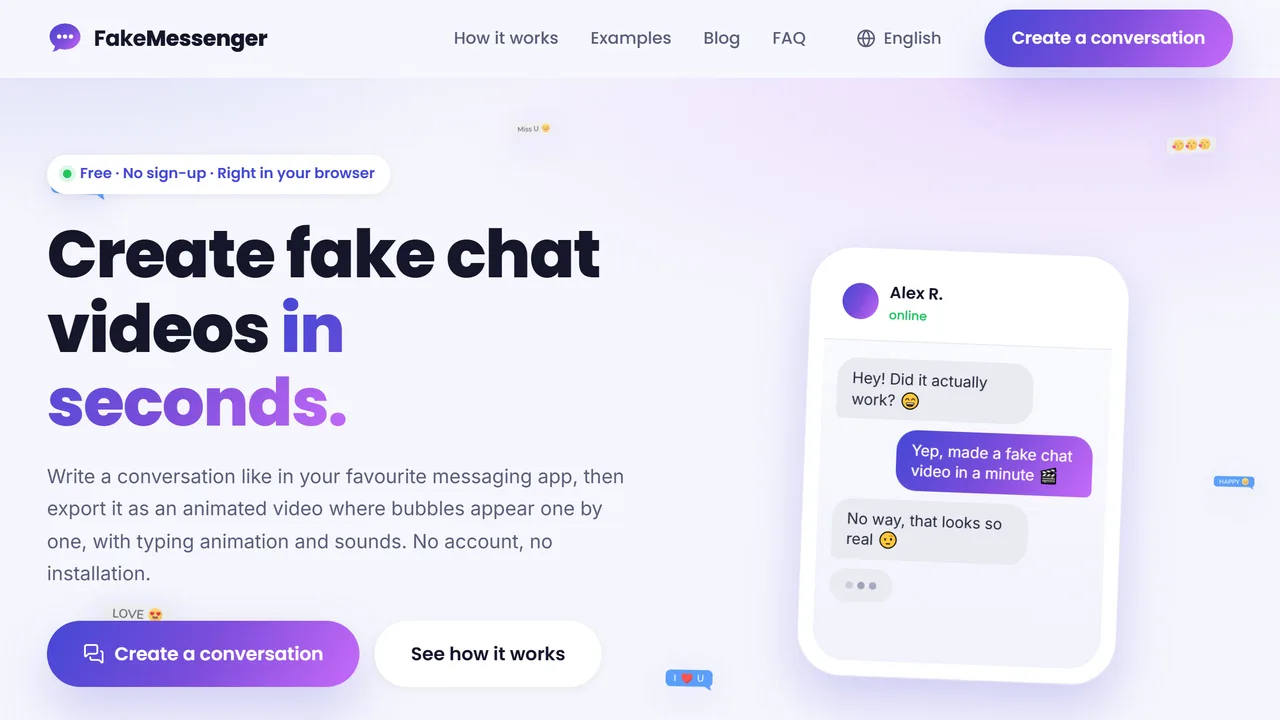
How it works. You write the conversation in the browser, pick a style, add names, avatars and photos, then export an animated MP4 where the bubbles arrive one by one with typing animation and sounds. There is no account and no install.
Strengths. It produces the video format in a browser, which nothing else here does. And the "nothing leaves your machine" claim is checkable rather than a slogan: the video is encoded on your own device by a WebAssembly build of ffmpeg shipped with the page, the only network calls the application code makes are fetching its own sound and font files, and the upload helper that exists in the shared library it inherits is never called anywhere in the code. Your conversation and the photos you add stay in the browser.
Limits. It is a single style of tool: a messaging conversation, not an Instagram profile, not a fake tweet, not a call log. If you need a fake social post rather than a chat, Zeoob and FakeDetail below cover far more ground than we do. And rendering video in a browser costs time and battery: a long conversation at high quality takes longer on a phone than a native app would.
Price. Free, with no account and no watermark.
Verdict. The shortest path to a chat video when you do not want to install an app, and the wrong tool if what you want is a fake Instagram post.
Address. fakemessenger.com
Zeoob
Who it is for. People who need a fake social media post, not a chat.
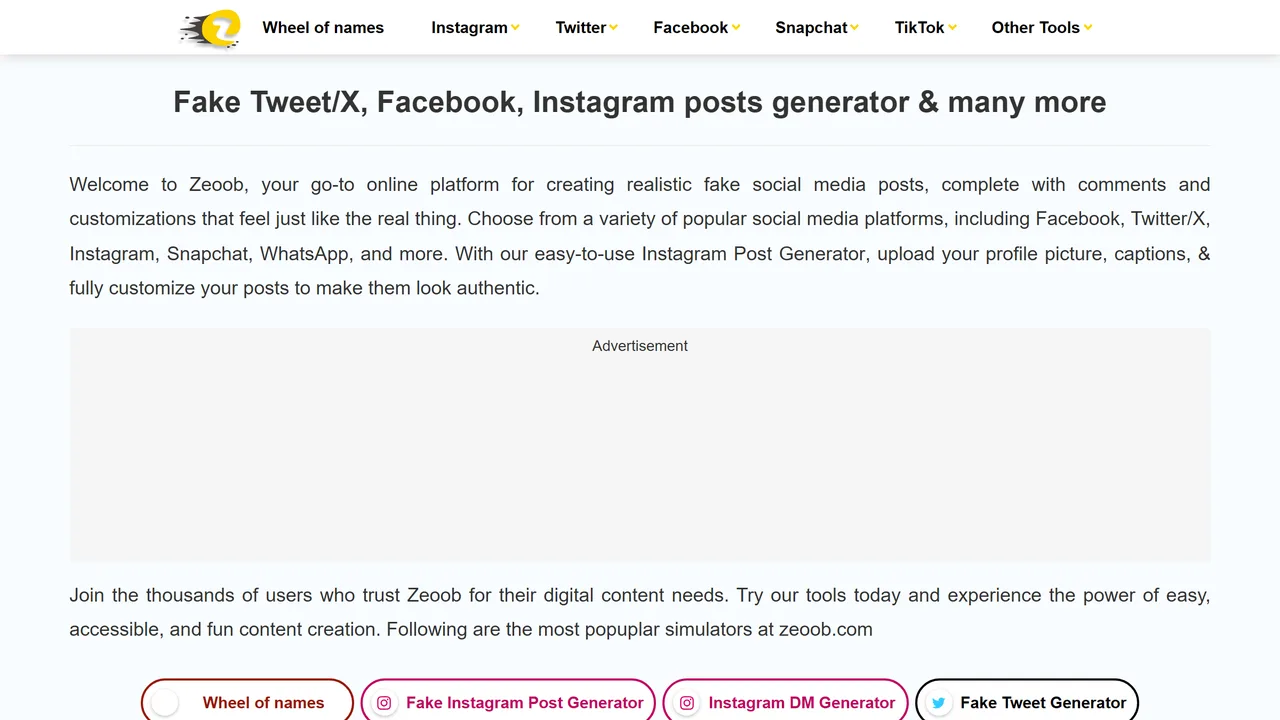
How it works. A hub of separate browser generators, one per platform and per format. Its own description: "Welcome to Zeoob, your go-to online platform for creating realistic fake social media posts, complete with comments and customizations that feel just like the real thing." Instagram, Twitter/X, Facebook, Snapchat, TikTok, WhatsApp and iPhone are all covered, in posts, direct messages and reply chains.
Strengths. The breadth, and the fact that it goes past the conversation: comments, reply chains and profile details are what make a fake post read as real, and it models them. Output is an image, ready to drop into a slide or a story.
Limits. Images only, so nothing here for a feed video. The site is funded by advertising, and the ad slot sits in the middle of the home page. Accounts exist, with sign-in and sign-up links, though whether one is required to download is not stated anywhere we could check.
Price. Free, ad-funded.
Verdict. The one to open when the thing you need is a post rather than a conversation.
Address. zeoob.com
FakeDetail
Who it is for. People who need something specific and unusual, on a platform nobody else covers.
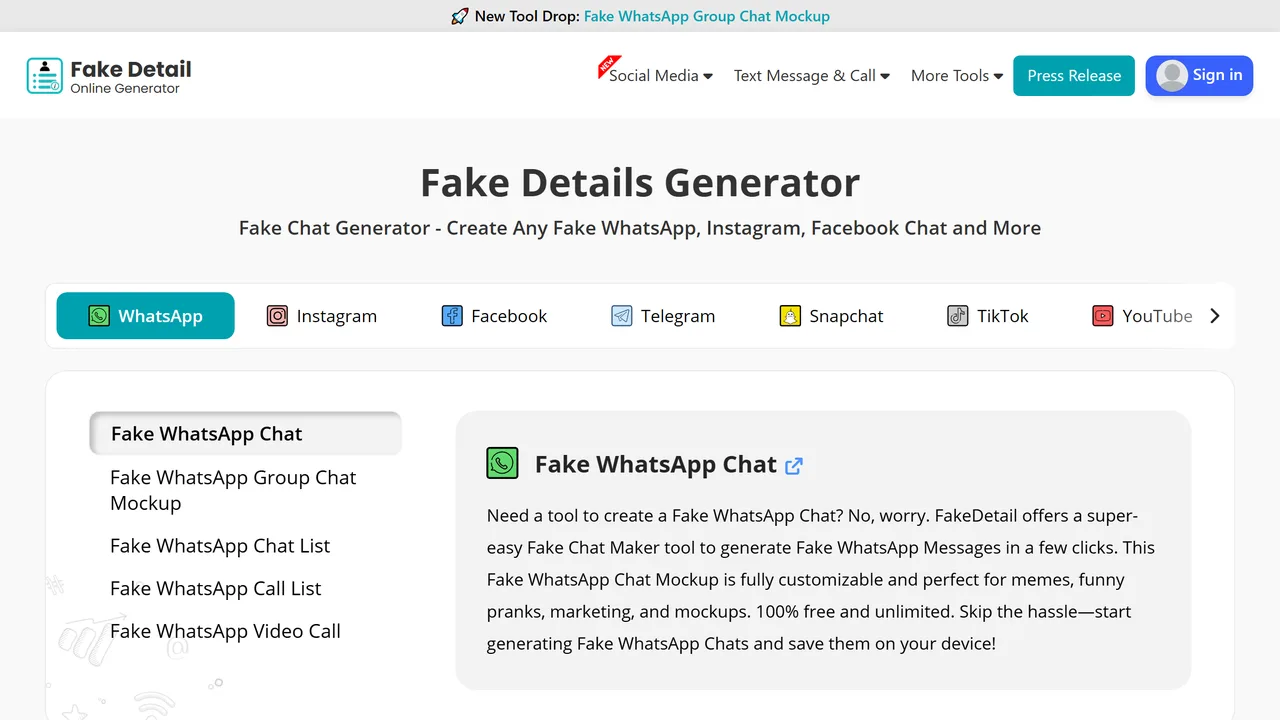
How it works. The widest catalogue of the six, by a distance: chat mockups for WhatsApp, Instagram, Facebook, Telegram, Snapchat, Twitter, TikTok, YouTube, LinkedIn, Skype, WeChat, Line, Tumblr and Hangouts, plus fake profiles, fake call logs and video call screens. Output is an image.
Strengths. If your platform is on that list, this is probably the only tool that models it. It states its terms plainly too: "100% free and unlimited".
Limits. Images only. The catalogue also extends into generators for fake email addresses, names, addresses and phone numbers, which is a different business from chat mockups, and the site itself draws the line: the tools are "for individual use", and the generated details are "for data testing purposes only". Read that as what it is, a publisher telling you where its own tool stops.
Price. Free.
Verdict. The broadest coverage on this page, and the one to reach for when the platform you need is obscure.
Address. fakedetail.com
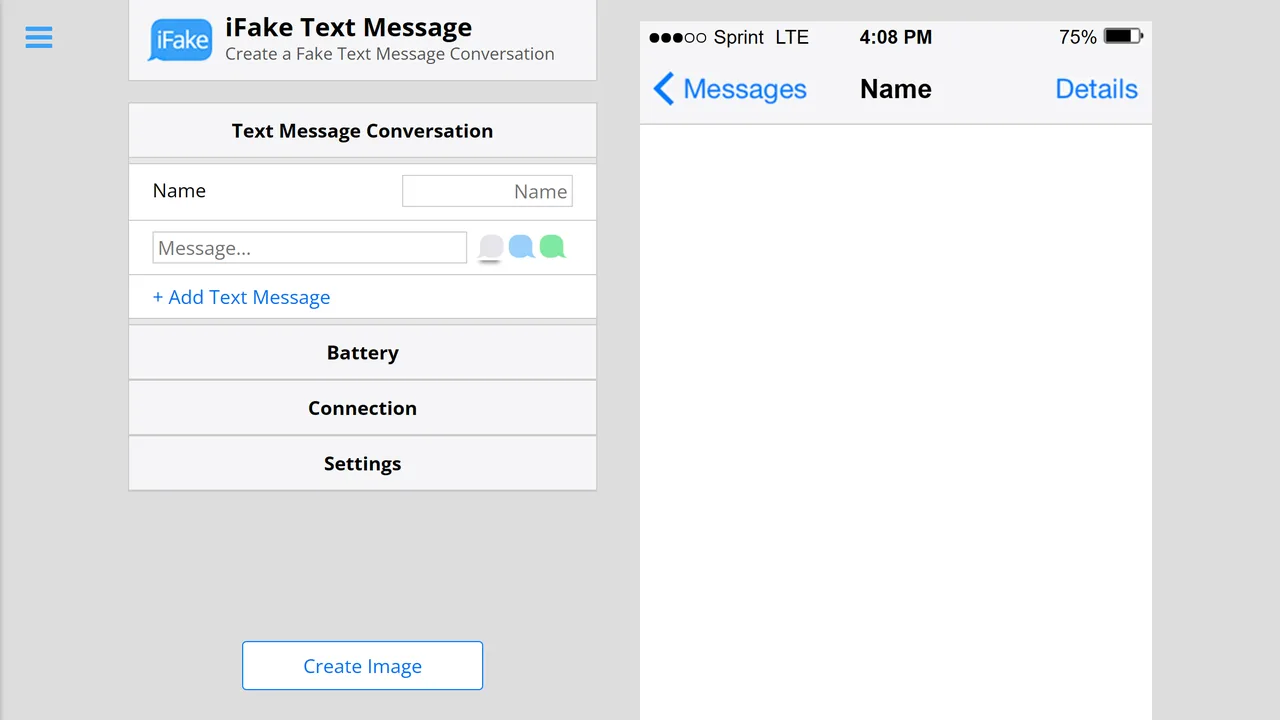
iFake Text Message
Who it is for. Someone who wants one iMessage screenshot, now, with no learning curve at all.
How it works. A form on the left, a live iPhone preview on the right, a "Create Image" button at the bottom. You fill in the name, the messages, the battery, the carrier and the time, and you get a PNG.
Strengths. It is the simplest thing here, and simplicity is the point: there is nothing to understand. The iPhone chrome it draws, with the carrier, the signal bars and the battery, is the detail most tools get wrong and it gets right.
Limits. One platform, one output. iMessage only, image only, no video, no other messenger. It also has its own size ceiling, which it announces on screen as you type: "Phone messages area has exceeded normal size", then "Phone messages area has reached maximum size". A long conversation will not fit.
Price. Free.
Verdict. Perfect for a single iMessage screenshot, useless for anything else.
Address. ifaketextmessage.com
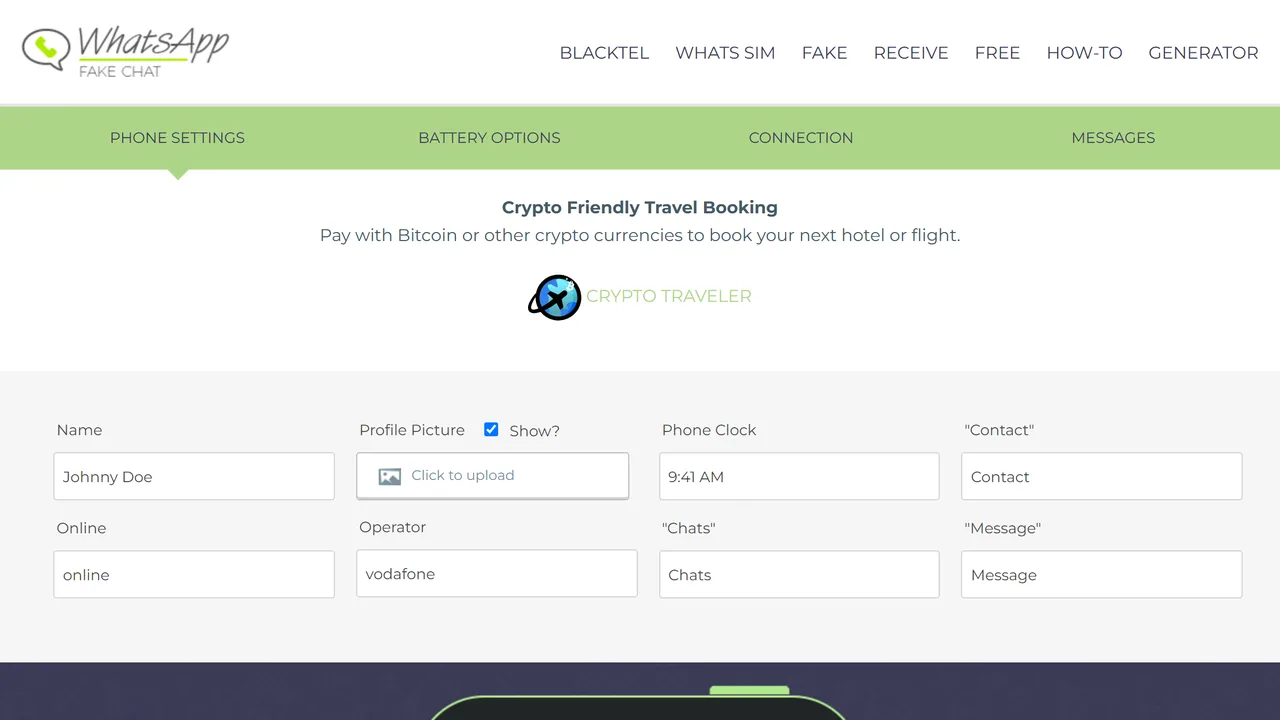
FakeWhats
Who it is for. WhatsApp, specifically, and nothing else.
How it works. A browser form with the phone furniture broken out into its own tabs: phone settings, battery options, connection, then the messages. Output is an image.
Strengths. The clearest terms of the six on what free means: "There are no subscription, no hidden charges or any registration necessary", and "We offer a complete FREE WhatsApp fake service!" The level of control over the status bar, the operator name and the clock is unusual, and it is what makes a WhatsApp mockup convincing.
Limits. WhatsApp only, image only. The page carries advertising, which on our capture was a crypto travel banner sitting above the editor.
Price. Free, no registration.
Verdict. The best WhatsApp-only image tool here, and it does not pretend to be anything else.
Address. fakewhats.com
At a glance
| Output | Where it runs | Platforms | Account | Price | |
|---|---|---|---|---|---|
| TextingStory | video | iOS and Android app | its own chat style | for the store | free, in-app purchases, amount not published |
| FakeMessenger (ours) | MP4 video | browser | messaging styles | no | free |
| Zeoob | image | browser | Instagram, X, Facebook, Snapchat, TikTok, WhatsApp, iPhone | offered | free, ad-funded |
| FakeDetail | image | browser | 14 and more | offered | free |
| iFake Text Message | image | browser | iMessage | no | free |
| FakeWhats | image | browser | no | free |
Which one for what you are making
A video for TikTok, Reels or Shorts. TextingStory on a phone, ours in a browser. Nothing else here outputs video, so the rest of the page is not in the running.
One screenshot, right now. iFake Text Message for iMessage, FakeWhats for WhatsApp. Both are a form and a button.
A fake Instagram post, tweet or profile. Zeoob, or FakeDetail if the platform is unusual.
A mockup for a design or a product page. Any of the image tools. Pick the one that models your platform, and check the status bar details, because that is what gives a mockup away.
A prank in a group chat. An image is enough and it is instant. If the joke depends on watching the conversation unfold, you need video.
Something private you would rather not upload. A tool that renders on your own machine. Ours does, and you can verify it yourself with the browser network panel while you work.
What "free" means here, and where the money comes from
All six cost nothing to start, and the word covers three different arrangements.
Free and ad-funded. Zeoob and FakeWhats carry advertising on the page you work in. That is a legitimate model, and it is worth knowing because it is also why the interface has slots in the middle of it.
Free with in-app purchases. TextingStory, where the upgrade exists but its price is not published anywhere we could find, including on the store listing.
Free with nothing held back. FakeDetail says "100% free and unlimited", and our own tool has no account, no watermark and no paid tier.
None of the six asked for a payment method to produce a first result, which is not something you can say about most categories.
Where the line is, and it matters more here than anywhere else
Every tool on this page makes something that looks like a real conversation. That is the whole point, and it is also why this section exists while nobody else's comparison has one.
What these tools are for. Fiction and storytelling, the entire texting story genre. Memes and jokes between people who are in on it. Mockups for a design, an app store listing or a slide. Teaching material, where showing a phishing message beats describing one.
What they are not for. A fake conversation presented as genuine to someone who believes it is real stops being a joke very quickly. Used as evidence in a dispute, a complaint, an insurance claim or a court case, a fabricated screenshot is fraud in most countries, and it is the kind of fraud that is easy to prove after the fact. Used to impersonate a real person, it is a separate offence again. Publishers know it: FakeDetail writes that its tools are "for individual use" and that its generated details are "for data testing purposes only".
The practical test. If the person who sees it would change a decision because they believe it is real, do not make it. If they would laugh, or learn something, or approve a design, you are fine.
We would rather write that plainly than pretend the question does not exist. A tool is not responsible for what people do with it, but a comparison that recommends six of them can at least be clear about the difference.
What makes a fake conversation look real
The tools handle the bubbles. Everything that gives a fake away is outside them.
The status bar. Wrong carrier, wrong time, a battery at 100 percent at eleven at night: those are what people notice, usually without being able to say why. Every tool here lets you set them, so set them.
The rhythm. Real conversations are uneven. Two messages in a row from the same person, a gap, a short reply. A perfectly alternating exchange reads as scripted, because it is.
The bubble colours. Blue and grey mean iMessage on both ends. Green means the other person is on Android, or SMS. Getting that backwards is the single most common mistake, and we wrote a whole guide on what blue and green bubbles actually mean.
The typing indicator. In a video, it is what makes the pause believable, and it is the difference between a slideshow and a conversation. Our guide to photos, sounds and typing animation covers the details.
The length. Most people write far too much. A chat story video that works is usually under a minute, and we measured the ideal length for a texting story video rather than guessing.
What to check before you publish
Three things, and they take a minute.
Look at the export at full size, not at the preview. A misspelt name or a wrong timestamp is invisible in a thumbnail and obvious on a phone screen.
Check the format matches the platform. Vertical for Shorts, Reels and TikTok. A square video posted vertically gets cropped, and a horizontal one gets cropped twice.
Decide what happens if it travels. Anything you publish will be seen out of context by someone. If that context is what makes it clearly fiction, put a word of it in the video itself.
Then make it. If you want the step-by-step rather than the comparison, our guide to making a fake text conversation starts from an empty screen, and the one on making a texting story video goes all the way to a file you can post.